Livestreaming services are available with Enterprise and Growth subscriptions.
Table of contents
Introduction
Flowplayer OVP offers real-time transcriptions of spoken language to html5 compliant WebVTT subtitle tracks, which can be displayed in Flowplayer embeds.
We currently support 100 languages. One language per stream can be selected.
Live transcriptions is free with all plans offering live streaming.
Captions are enabled by default in Flowplayer embeds and can easily be turned off or on with the CC button.
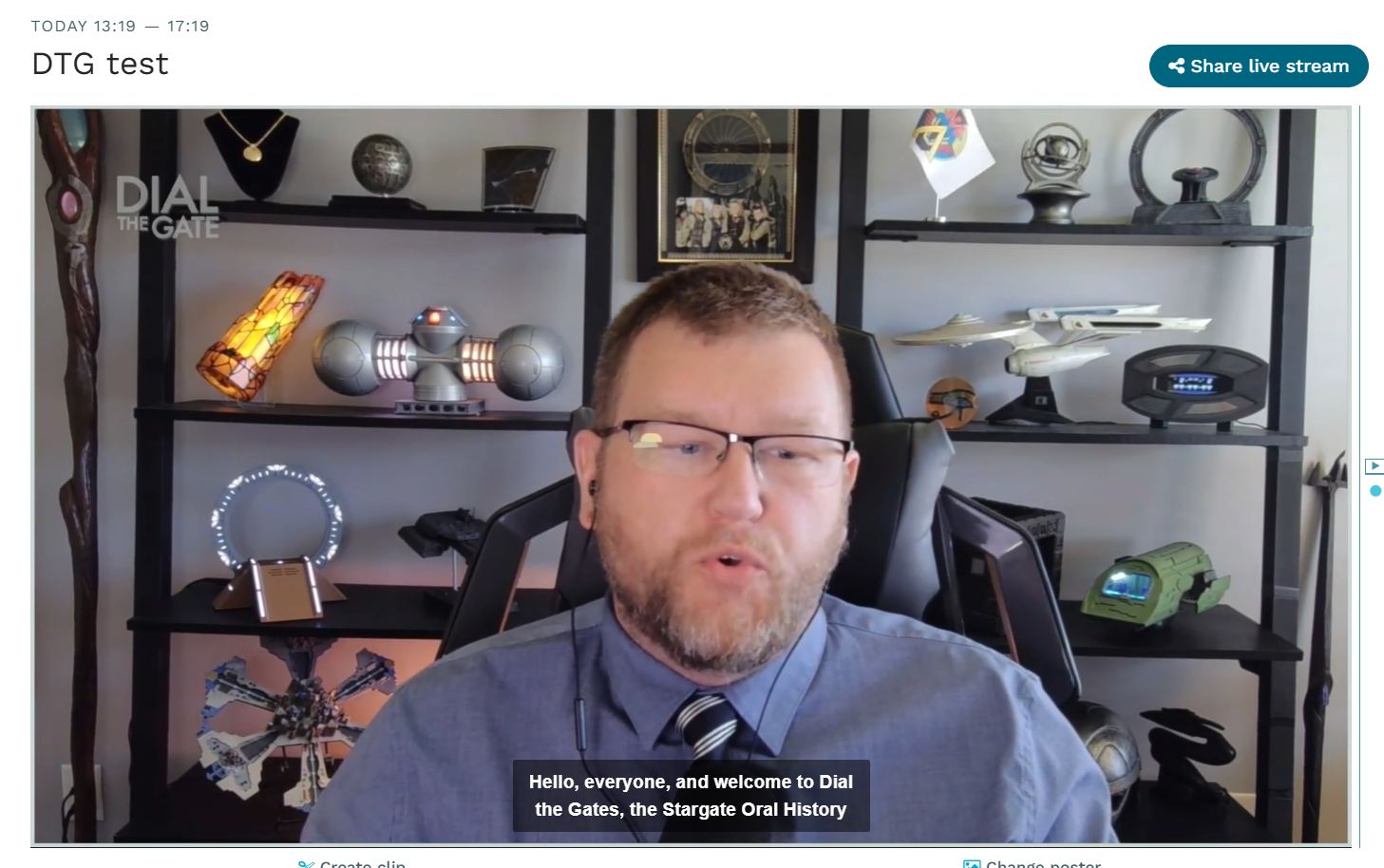
Live transcriptions adds around 12 seconds of latency to the stream, in order to gather context for the AI model and to allow fully synced alignment of captions with the stream timestamps.
Workspace settings
You can enable live transcriptions as a default per workspace on https://app.flowplayer.com/workspace/settings
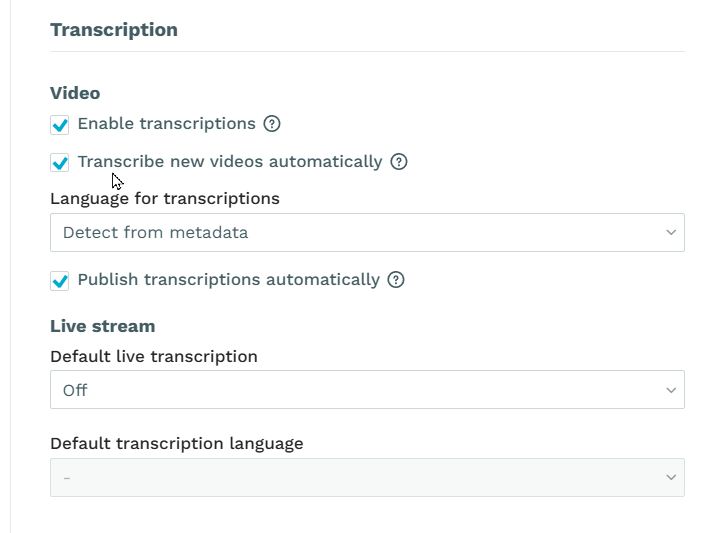
You can also set a default language.
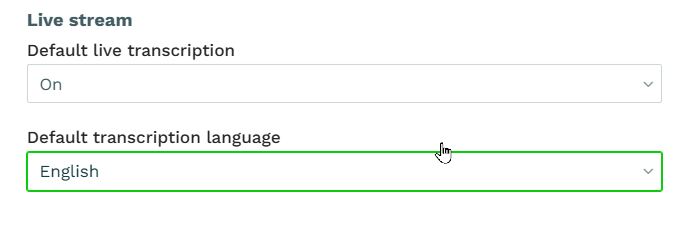
Both settings can be altered per livestream or per livesource.
Livestream settings
You can configure individual transcription settings on
https://app.flowplayer.com/livestreams/create when creating a livestream.
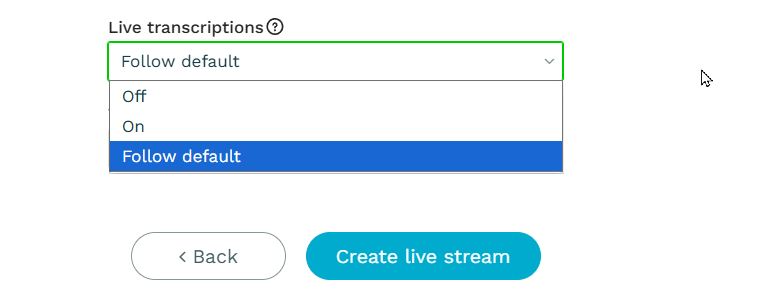
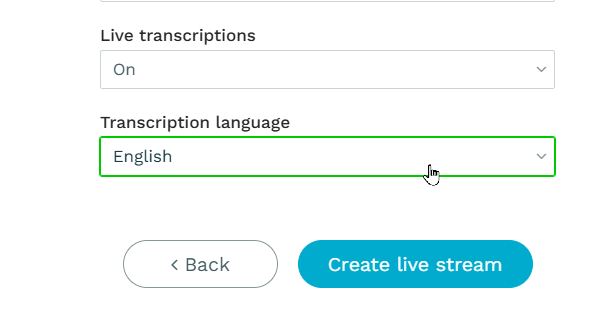
Livesource settings
If you are using Livesources, you can already set the transcription and its language on
https://app.flowplayer.com/livesources/
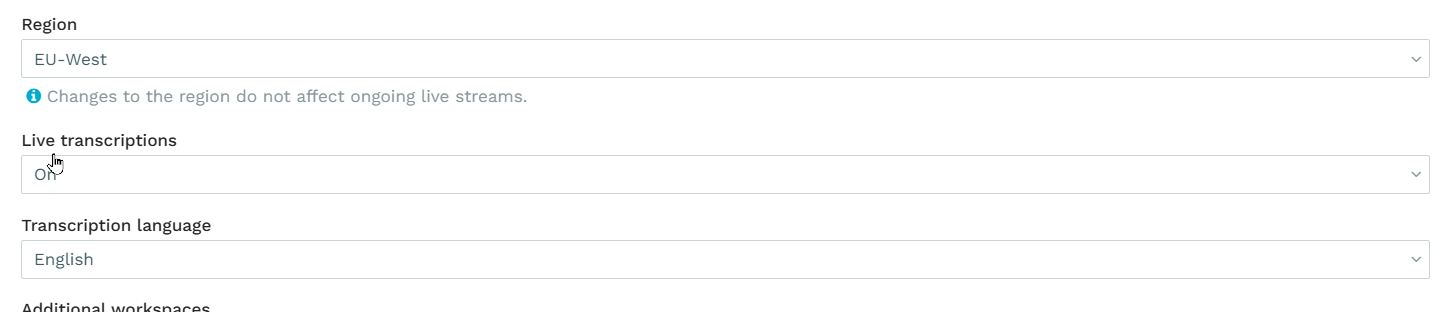
The transcription setting and language configured on a Livesource cannot be overridden in a Livestream created using this Livesource.
Clipping and stitching
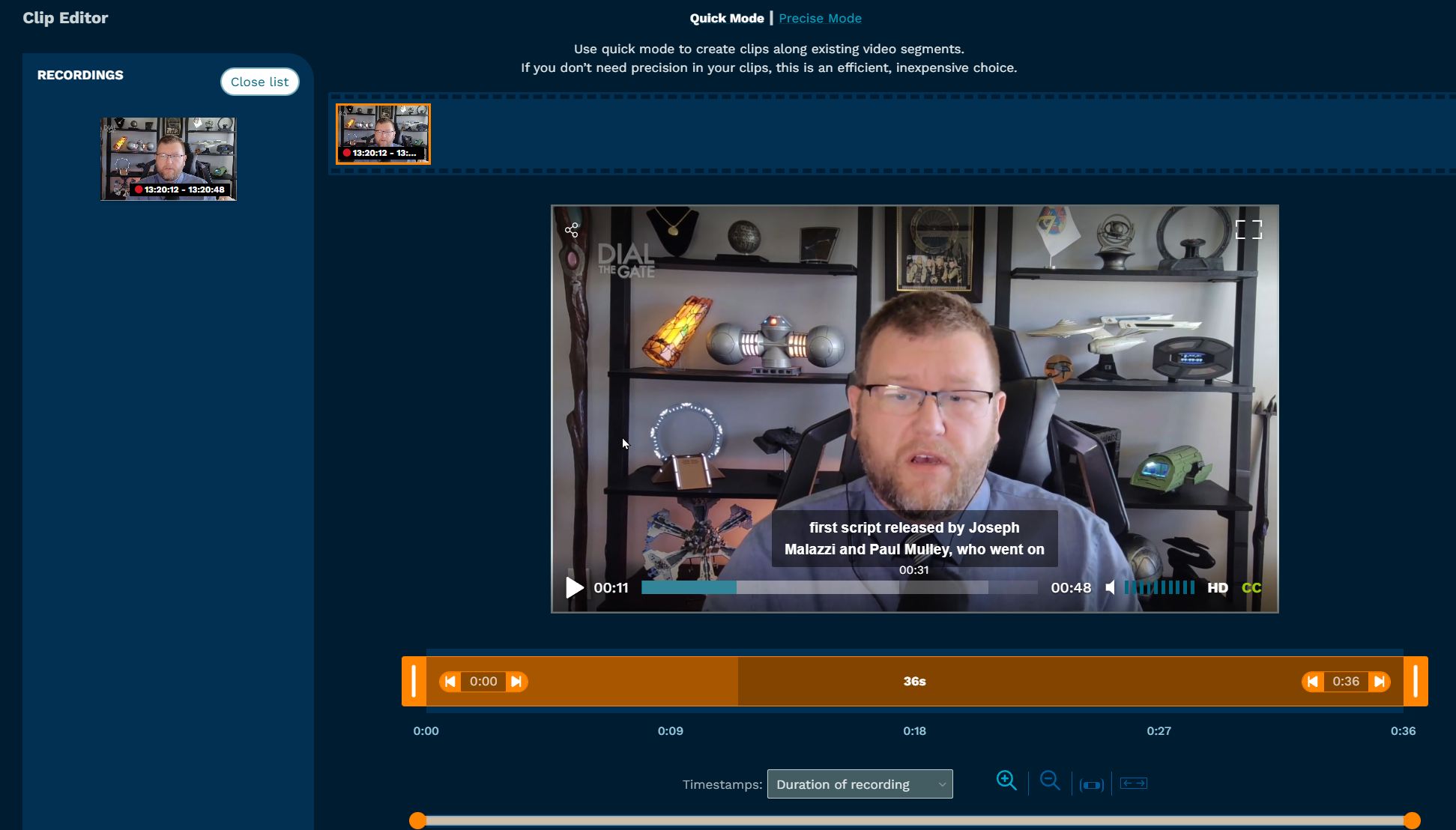
It is possible to clip and stitch a running or completed livestream into a VOD preserving the captions.
Just use the standard create clip button and select the portion of the recording you want to clip.